
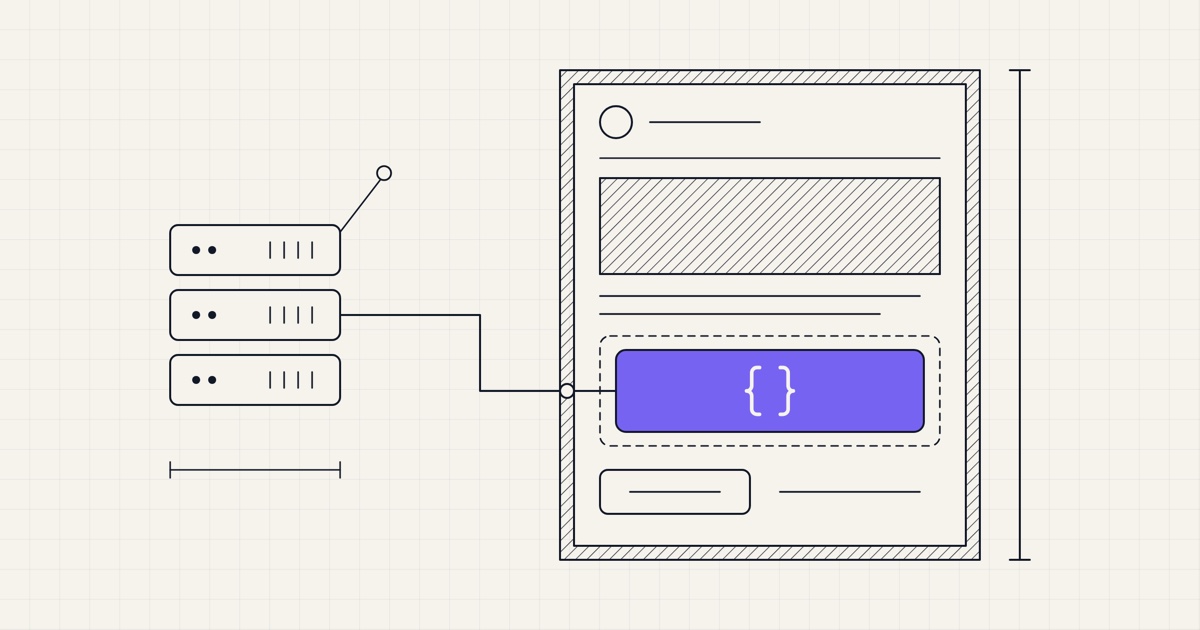
Since Notifuse 27, a broadcast can fetch data feeds, which are JSON from your own API that Liquid puts into the email. That can be the week's articles from your CMS, the products each customer is likely to buy, or today's prices from your shop. The template holds the layout and the feed supplies the content, so you don't copy anything into Notifuse by hand.
Two feeds
The Data feeds panel of a broadcast offers two feeds, Global and Per-recipient, each switched on separately:
The global feed makes one request for the whole broadcast. Its answer is the same for every recipient, in the
global_feedvariable.The per-recipient feed makes one request for each recipient, with their contact in the request. Its answer belongs to that recipient alone, in the
recipient_feedvariable.
You can use both variables anywhere Liquid works in the email (subject line, preview text and body), alongside contact, list and the other usual variables.
The request
Notifuse sends a POST with a JSON body to the URL you give, along with the headers you add, such as an Authorization bearer token or an API key. The global feed's body names the broadcast, its list and the workspace:
{
  "broadcast": { "id": "8f2c1a", "name": "Weekly digest #42" },
  "list": { "id": "newsletter", "name": "Newsletter" },
  "workspace": { "id": "acme", "name": "Acme" }
}
The per-recipient feed's body adds a contact object: email, external ID, name, language, timezone, country, address, job title and custom fields. Your API finds the recipient by email or by your own ID and answers for that person.
For both feeds, the answer is a JSON object that has to arrive within 5 seconds and be no larger than 10 MB. Notifuse adds two keys of its own to it, _success and _fetched_at.
Weekly digest
Say your CMS answers the global feed with the week's posts:
{
  "headline": "Five reads for your week",
  "articles": [
    {
      "title": "How we cut churn in half",
      "url": "https://acme.com/blog/churn",
      "summary": "Three changes to onboarding, and what each one did."
    },
    {
      "title": "Pricing pages that convert",
      "url": "https://acme.com/blog/pricing",
      "summary": "What ten SaaS pricing pages have in common."
    }
  ]
}
The subject line is {{ global_feed.headline }}, and a Liquid block in the visual editor, or the MJML code editor, loops over the articles:
{% for article in global_feed.articles limit: 5 %}
<mj-section>
  <mj-column>
    <mj-text font-size="20px"><a href="{{ article.url }}">{{ article.title }}</a></mj-text>
    <mj-text>{{ article.summary }}</mj-text>
  </mj-column>
</mj-section>
{% endfor %}
You send the same template every week, and only the feed changes.
Since Notifuse 44, Liquid escapes what it writes into the HTML of an email, so a feed value that holds HTML, such as an article's formatted body, needs the raw filter: {{ global_feed.html | raw }}. Keep it for data you trust.
Recommendations
For the per-recipient feed, your shop can answer with what it knows about that customer:
{
  "points": 1240,
  "products": [
    {
      "name": "Trail running shoes",
      "price": "89.00",
      "image": "https://shop.example.com/img/trail.jpg",
      "url": "https://shop.example.com/p/trail"
    }
  ]
}
In a column of the template, a Liquid block greets the customer and shows the products:
<mj-text>Hi {{ contact.first_name }}, you have {{ recipient_feed.points }} points.</mj-text>
{% for product in recipient_feed.products limit: 3 %}
  <mj-image src="{{ product.image }}" alt="{{ product.name }}" />
  <mj-button href="{{ product.url }}">{{ product.name }}, ${{ product.price }}</mj-button>
{% endfor %}
Wrap the block in {% if recipient_feed.products.size > 0 %} to keep the email tidy for a customer your shop has nothing to suggest to.
Use cases
Digests and newsletters with the latest posts, releases or job offers, from a CMS or a database view.
Product recommendations, with the items your recommendation engine picks for each customer.
A sale email whose prices and availability come from the shop at the moment you send it.
Account summaries: loyalty points, usage this month, an expiring trial or an abandoned cart.
Local content, such as events, stores or offers near the contact's country or postcode.
When it runs
Notifuse fetches the global feed when you schedule the broadcast or send it now, and saves its answer with the broadcast, so every recipient gets the same data however long the send takes. If the feed fails or returns something other than a JSON object, the broadcast isn't scheduled and the console shows the error.
The per-recipient feed is fetched at send time. Notifuse calls it for each contact as it prepares their email, so the data is as fresh as that contact's send. A server error, a timeout, a 429 or a dropped connection is retried twice, 5 seconds apart. If the third attempt fails too, the broadcast pauses and shows the reason, so no email goes out without its data. Once your API is fixed, resume the broadcast and Notifuse processes the failed batch again. One request per recipient also makes the send slower, so keep the endpoint fast.
Testing
Once the broadcast is saved, each feed has a Test button. For the global feed, it shows the JSON your API returns. For the per-recipient feed, you enter a contact's email to see their answer, or leave it empty to try a sample contact. To design the template before the API exists, paste a sample global_feed or recipient_feed object in the Template Data tab of the template's preview.
Security
Since Notifuse 32.3, feeds are fetched with a client that refuses private, loopback, link-local and other reserved addresses, the cloud metadata endpoint included, and checks every redirect again. URLs on localhost, .local or .internal names are refused when you save. A self-hosted install that serves its feed from its own network sets BROADCAST_DATA_FEED_ALLOW_PRIVATE_HOSTS=true.
The per-recipient feed receives contact data, so its URL must use HTTPS. Setting up or testing a feed needs write access to broadcasts, the same permission as creating one.
Not yet
Data feeds work in broadcasts only, not in automations or transactional emails.
The global feed can't be fetched at send time. Unlike the per-recipient feed, it is fetched when you schedule, so a broadcast scheduled on Friday for Monday carries Friday's data.
A feed URL takes no query string, so your API has to read what it needs from the request body.
A per-recipient feed that keeps failing pauses the whole broadcast. There is no option to skip that contact or send them a fallback.
The timeout and retries are fixed at 5 seconds and three attempts.
Getting started
Open Broadcasts, create a broadcast with New broadcast, and find its Data feeds panel. Switch on a feed, enter its URL and headers, and press Test. Then use global_feed or recipient_feed in the template you pick in the Content panel. The data feeds documentation describes both requests in full, the templates documentation covers Liquid, and the installation guide lists the environment variables.